AllGamesGo editorial
Do You Tilt the Original PSP in LocoRoco? The L/R Buttons Actually Tilt the Ground
The PSP original does not require physically tilting the system. Its L/R shoulder buttons tilt the in-game ground, while the PS4 remaster later added optional motion control.
Last updated:September 3, 2026
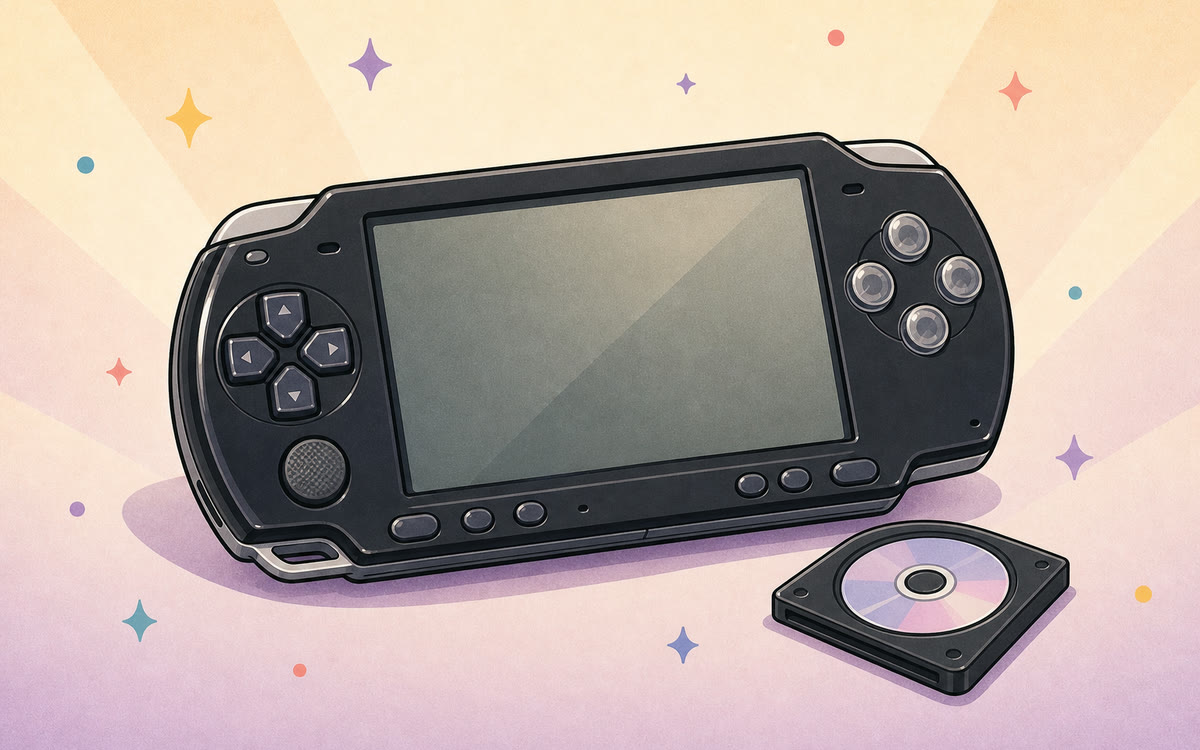
When the screen in LocoRoco tips, the round creatures roll down the new slope. It is easy to remember the PSP original as an early motion-controlled game. The object that actually tilts, however, is the world inside the game, not necessarily the handheld in your hands. Pressing L or R changes the ground angle and the LocoRoco obey gravity with cheerful elasticity. If the player leans too, that is an enthusiastic body joining the act, not a secret hardware requirement.
The short answer: the original needs no motion sensor
The 2006 PSP original uses the L and R shoulder buttons. PlayStation's official account says those buttons roll and bounce the LocoRoco toward the end of a level. The Japanese official description is even clearer: the L and R buttons tilt the ground, causing the round LocoRoco to roll left or right.
The original therefore does not read the player's physical tilt of the PSP, and it should not be described as using a built-in PSP gyroscope. Ordinary buttons create the sensation of tipping a world. The input is conventional even though the response on screen is unusual.
Original PSP and PS4 remaster side by side
Most confusion comes from the real optional motion control later added to the 2017 PS4 remaster. The central design remains the same, but the available input methods are not identical.
| Version | Primary tilt input | Physical motion available? |
|---|---|---|
| PSP original (2006) | L/R shoulder buttons tilt the in-game ground | Not required |
| PS4 Remastered (2017) | L1/R1 tilt the ground | Optional DualShock 4 motion control |
You control the ground, not each LocoRoco
Pressing one shoulder button changes the tilt of the entire stage. A LocoRoco does not receive a direct instruction to step left immediately; it rolls with the slope. Acceleration, stopping, and crossing uneven terrain consequently carry a sense of momentum, as though the player were rocking a tray that holds soft jelly balls.
This also explains why one simple input set still works when several LocoRoco are on screen. You manage their shared environment instead of assigning an invisible stick to every creature. They can gather or separate, but they all move across the same ground that the player tilts.
Rolling, bouncing, and the player's own lean
Official material connects the L/R buttons with both rolling and bouncing. A later Japanese PlayStation explanation also confirms that using the two buttons together launches the LocoRoco and says this basic operation comes from the original. There is no need for an elaborate motion vocabulary: one-sided input controls slope, while the buttons together handle moments that require a bounce.
The creators joked that people playing the PSP version would unconsciously lean their bodies with the ground on screen. That memory shows how persuasive the visual response is, but it is not evidence of motion input. The body leans because the player is immersed; the game still receives shoulder-button presses.
Why the remaster mixes up the memory
LocoRoco Remastered keeps L1 and R1 for tilting the ground and also lets players use DualShock 4 motion control. The creator interview even notes that motion is less precise than the normal L/R method, although it offers another way to experience the game. Changing the slope with controller posture is therefore an optional remaster method.
Projecting that PS4 feature backward creates the false conclusion that the PSP original requires tilting the handheld. Both versions tilt the scene and preserve the same design intention. The difference is that the 2006 game expresses it with shoulder buttons, while the 2017 remaster can also express it with physical movement.
How to understand the controls before playing
Treat L/R as pressing down opposite sides of a seesaw, not as direct left and right steps. Watch how the new slope builds rolling speed, then decide when to reverse the angle or bounce. That mental model is closer to the original design than constantly correcting a character's exact position.
Other environments may map the shoulder inputs to a keyboard, controller, or something else, but the implementation decides the details. PS4 motion support does not mean that shaking any browser, computer, or phone will work. Check how that environment supplies L/R first, or the real desk may wobble enthusiastically while the jelly on screen remains innocent.
- Think of L/R as tilting the ground, not instantly moving a character left or right.
- Watch the slope and rolling momentum, then combine the buttons where a bounce is needed.
- Check the L/R mapping in any other environment; do not assume moving the device reproduces the original controls.
Sources
- PlayStation Blog / Sony Interactive Entertainment:From rough concept sketch to PS4 remaster: The complete story of LocoRoco
- PlayStation Blog Japan / Sony Interactive Entertainment:LocoRoco creator interview — tilting the ground with the L and R buttons
- PlayStation Blog Japan / Sony Interactive Entertainment:LocoRoco Remastered release details — L1/R1 ground tilt
- PlayStation Blog / Sony Interactive Entertainment:PaRappa, Patapon & LocoRoco Remasters Coming to PS4