
Rediscover the games you grew up with
Console, handheld, and arcade favorites, ready to play in your browser—no setup, no downloads.
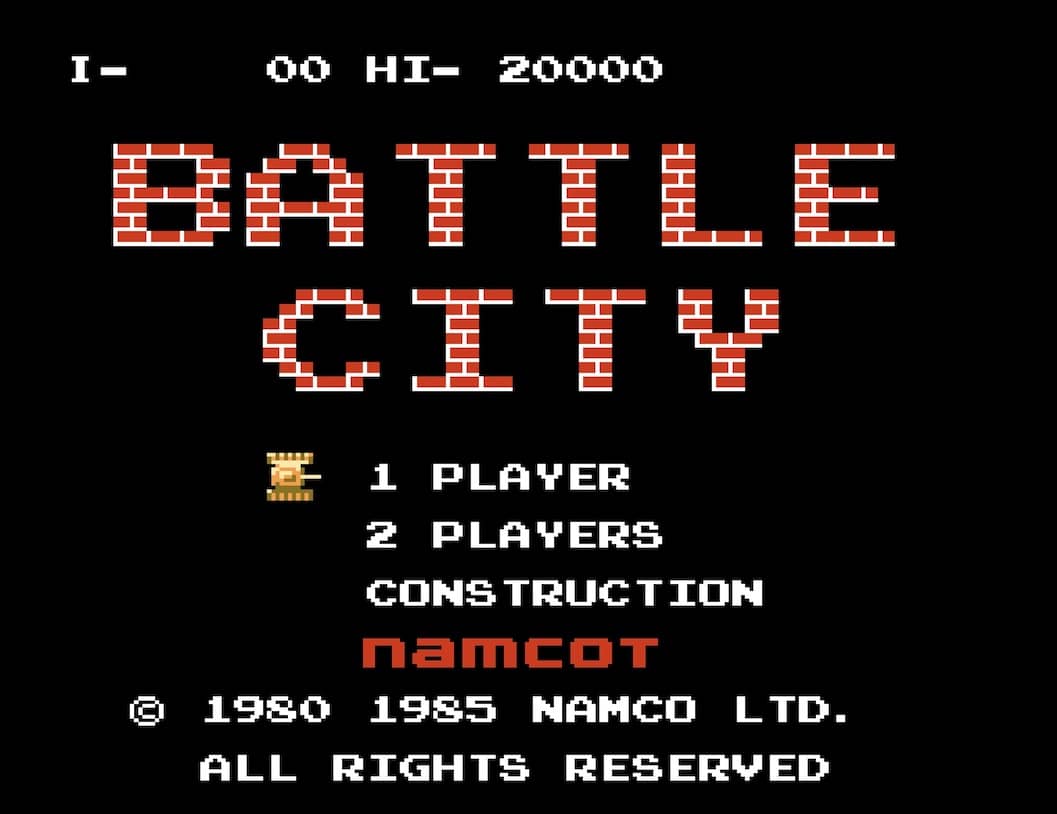
Battle City
Play NowPopular right now
See what players have been enjoying lately and jump into a favorite.
Browse by platform
Game Series
Classic picks
Not sure where to begin? Start with these enduring favorites.




New arrivals
See what was recently added to the game library.
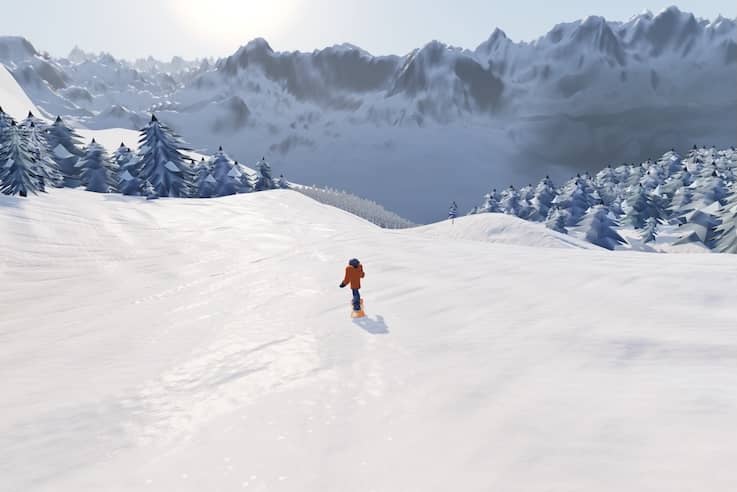
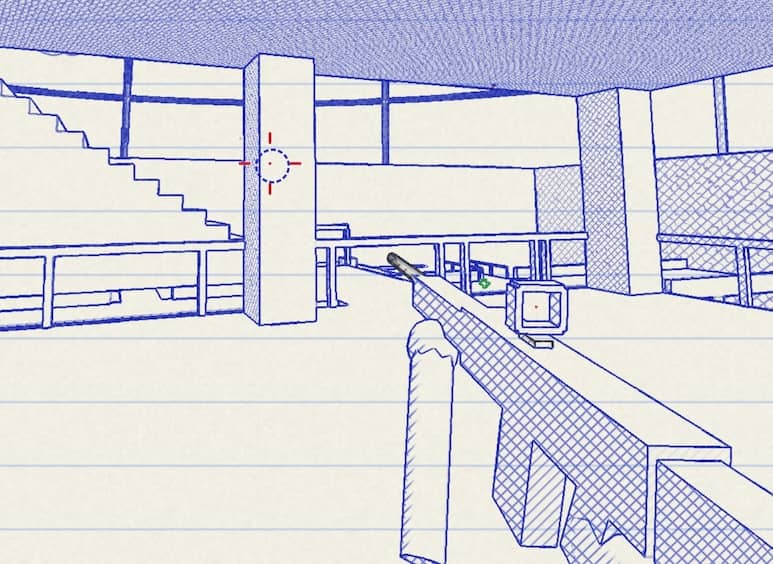
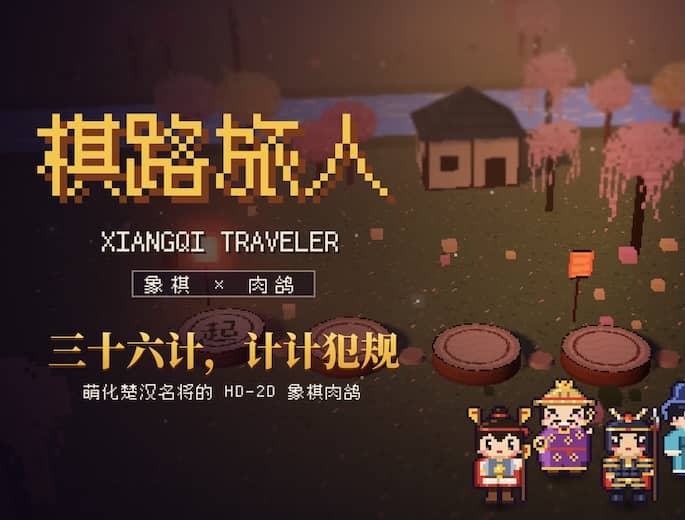
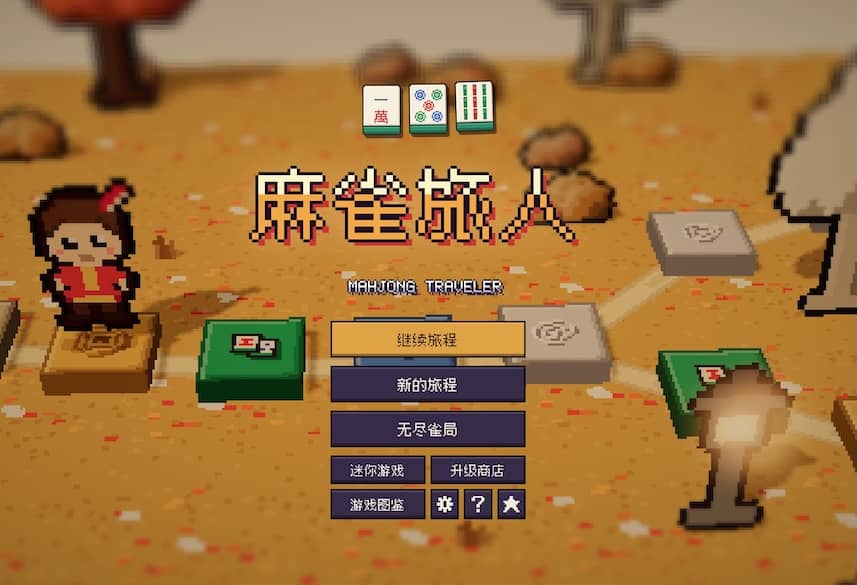
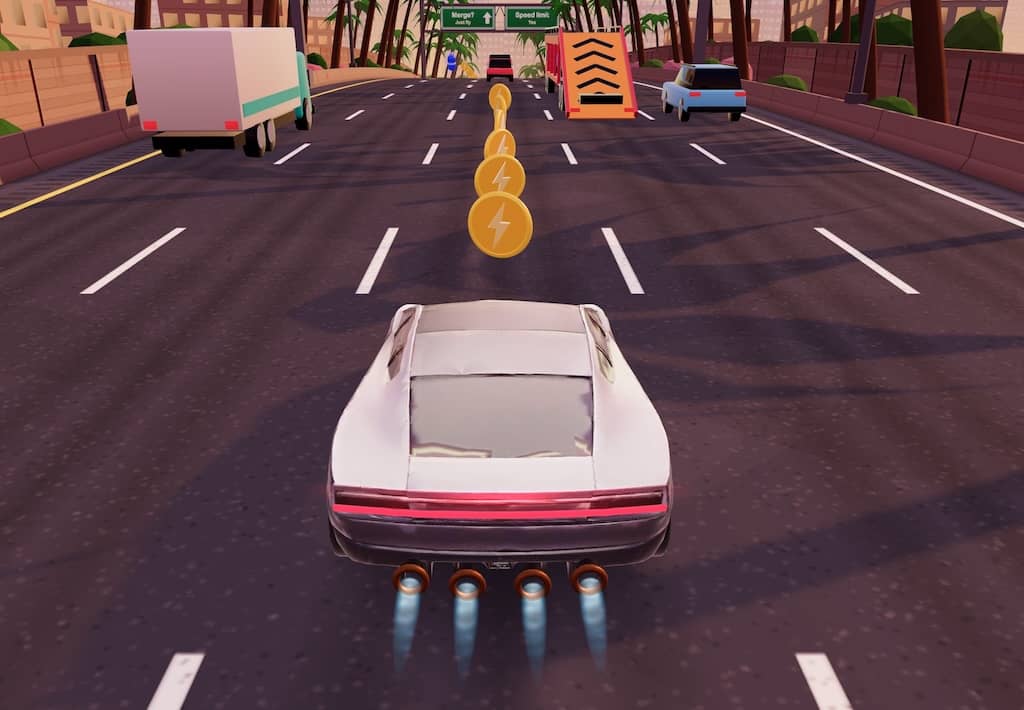
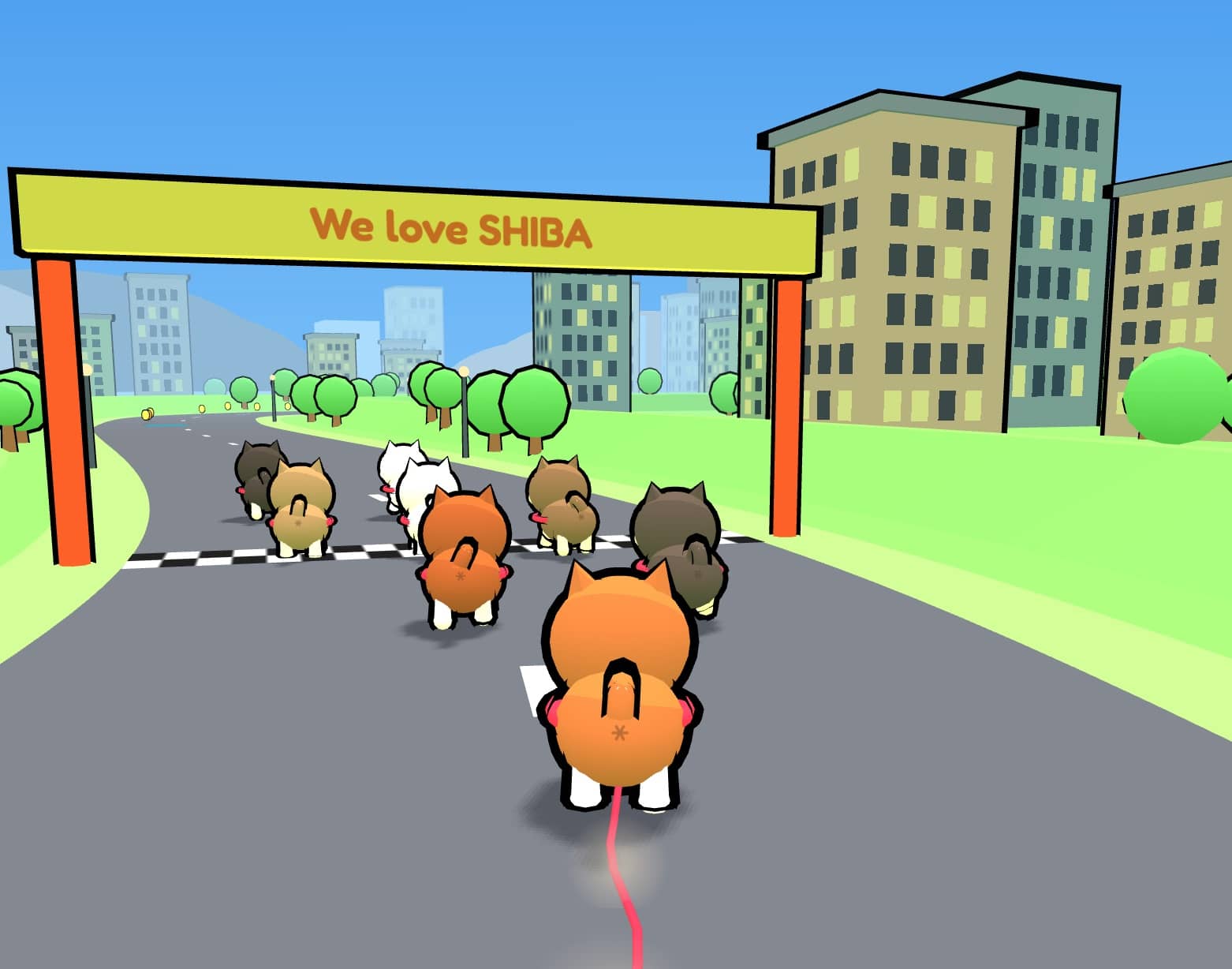
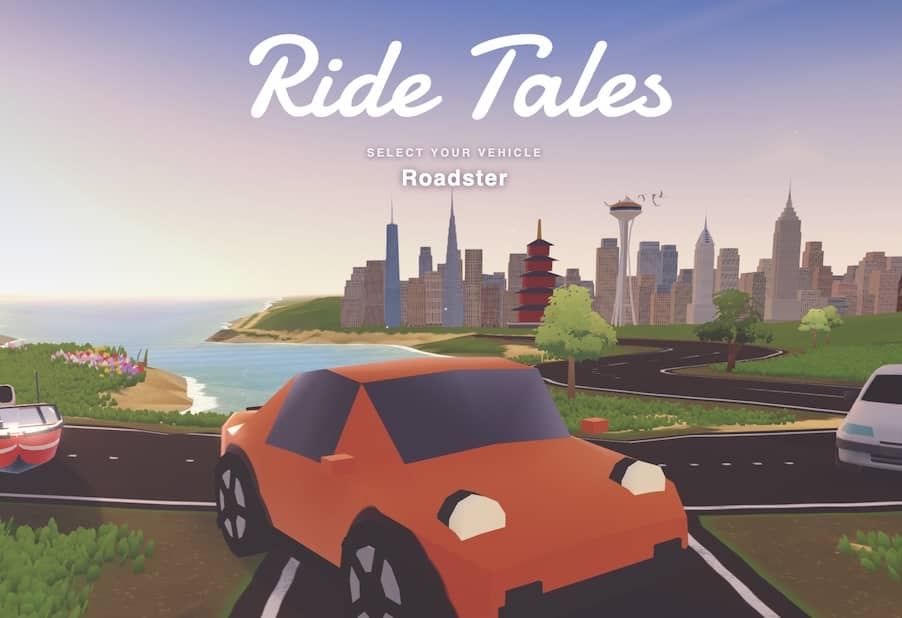
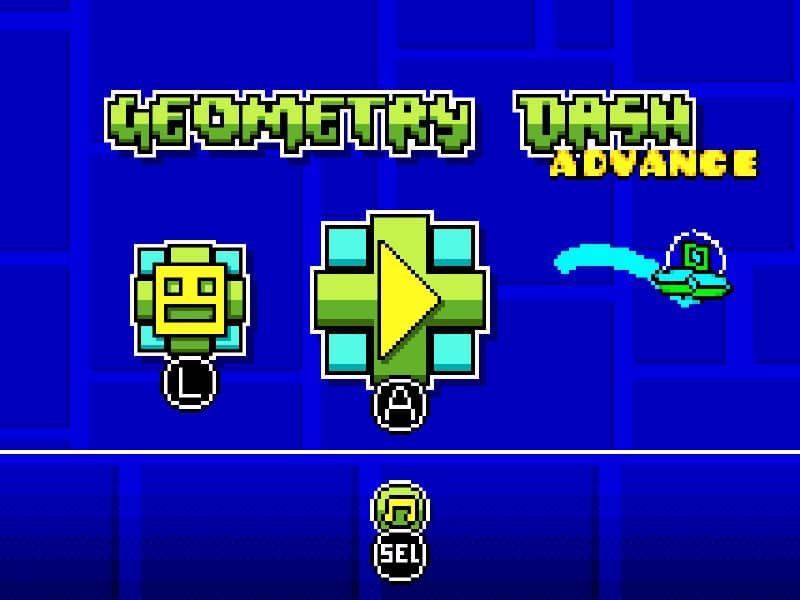
When players carry a game forward
New stages, unlikely handheld ports, and old favorites rebuilt with care. Meet the player-made projects that kept the story going.
Play Help
No manual required. These are the questions that can actually come up when you start a game.
Where does the game open after I click Play?
The player opens in a new browser page. The first launch needs to load the game files, so larger games or slower connections may take a little longer. No separate emulator installation is required.
Can I use a phone, keyboard, or gamepad?
Support varies by platform and game. Landscape mode is recommended on phones; desktop players can use a keyboard, and some games support gamepads recognized by the browser. Check the player controls for the current button layout.
What should I do if the game is blank, silent, or will not load?
Click or tap once inside the game page, then try refreshing it. Use a current version of Chrome, Edge, or Safari. If it still fails, temporarily disable content-blocking extensions or try another network.
How can I report incorrect information, a wrong version, or request removal?
Email [email protected] with the game title, page URL, and a short explanation. We review corrections, version problems, and rights-holder removal requests manually.
Articles
A few carefully researched pieces about games, hardware and the versions that are easy to mix up.
Sep 12, 2026
Is Chrono Trigger a Final Fantasy spinoff? No, it's a standalone Chrono RPG
Chrono Trigger may have Final Fantasy developers on board, but it isn't a spinoff. It's a time-travel RPG created by the Dream Team that you can start on its own.
Sep 11, 2026
Is Dr. Mario 64 Just a Port of the Original Dr. Mario Puzzle Game?
The games share the capsule-and-virus foundation, but Dr. Mario 64 is a separate N64 release with Story, Flash, Marathon, Score Attack, and four-player modes.
Sep 10, 2026
Are NINJA GAIDEN and Ninja Ryukenden the same game?
In the context of the 1988 Famicom original, NINJA GAIDEN and Ninja Ryukenden are the overseas and Japanese names respectively, not two different games. The other PC Engine entry on this site is a 1992 version based on the original, with redrawn graphics and remade music, not a sequel.